
Enabling/Disabling Libraries
All library plugins can be enabled or disabled, to prevent them being used by the application.
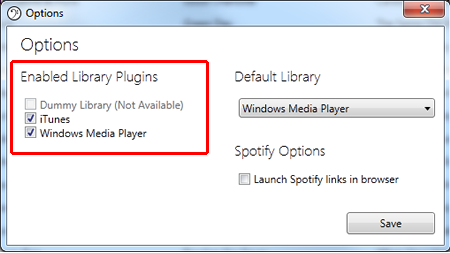
Any plugin that has it's checkbox ticked is enabled and will be available for use and also to be set as the default library.
If a plugin is disabled, the application will not be able to access that library.
Any plugins that are not supported by your system (such as if the media player is not installed) will be greyed out and cannot be enabled.